


How to Cancel My Subscription
There are 2 types of cancellation modes with your API Nation subscription. You may cancel your subscription immediately or at the end of your billing cycle.
Billing Cycle vs. Immediate
Choosing the right cancellation mode depends on your needs:
- End of billing cycle — You can continue migrating data using API Nation services until your 30-day billing cycle completes.
- Immediately — Your subscription is terminated right away and all workflows will be removed.
Important Reminders
Keep the following in mind before cancelling:
- Pausing workflows does not pause billing — If you do not wish to be billed for your next cycle, you must cancel your subscription.
- Immediate cancellation removes all workflows — It is highly recommended you confirm all data has migrated before choosing immediate cancellation.
Steps to cancel your subscription
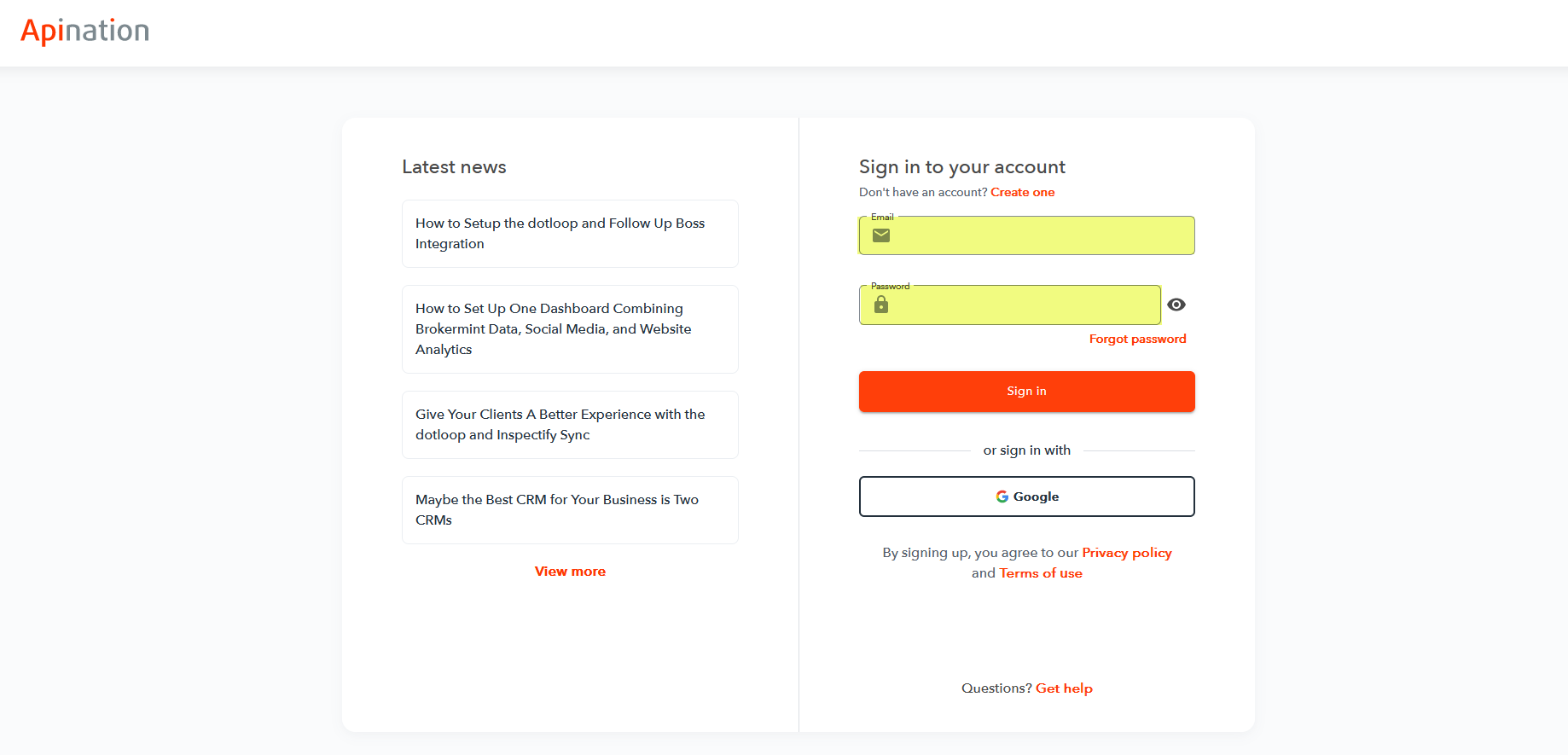
Navigate to Dashboard
Hover over your initials in the upper right-hand corner and select Dashboard.

Open subscription settings
Click on Change plan under the My Subscriptions section.
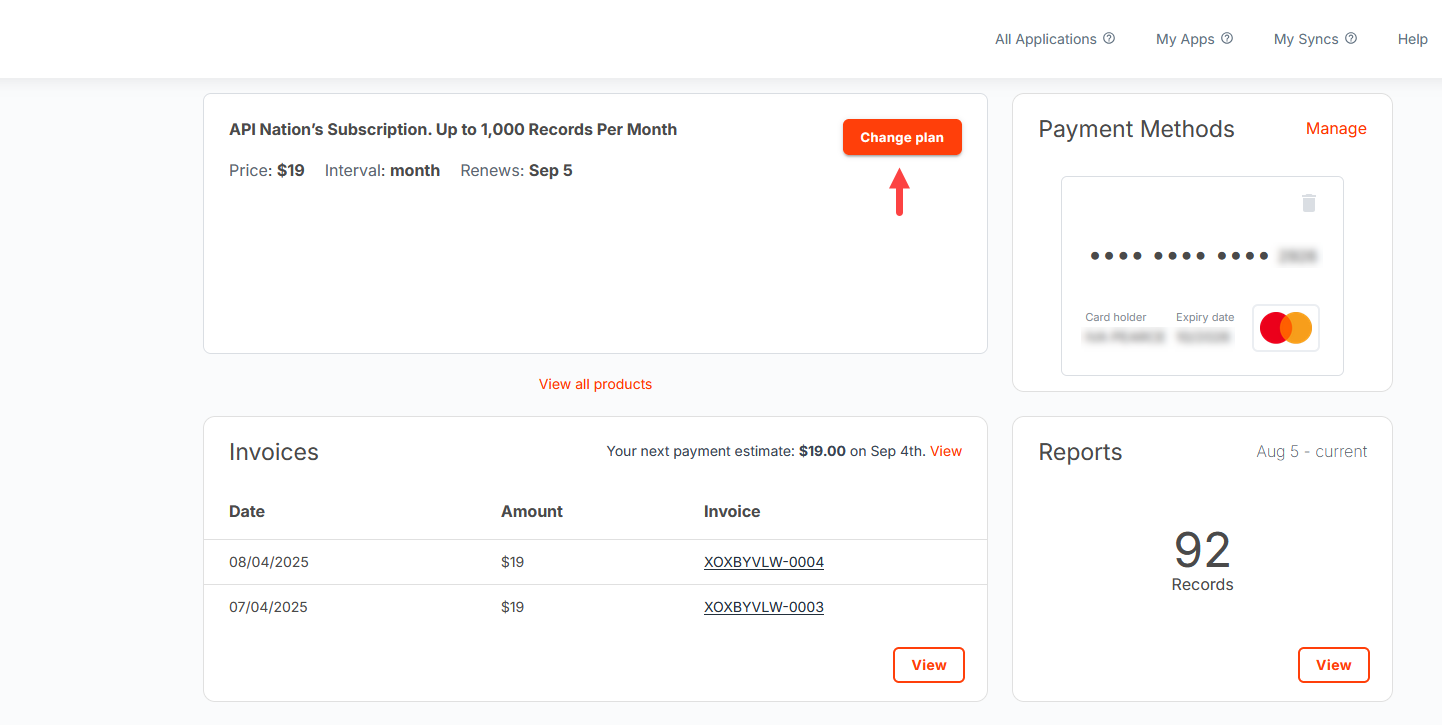
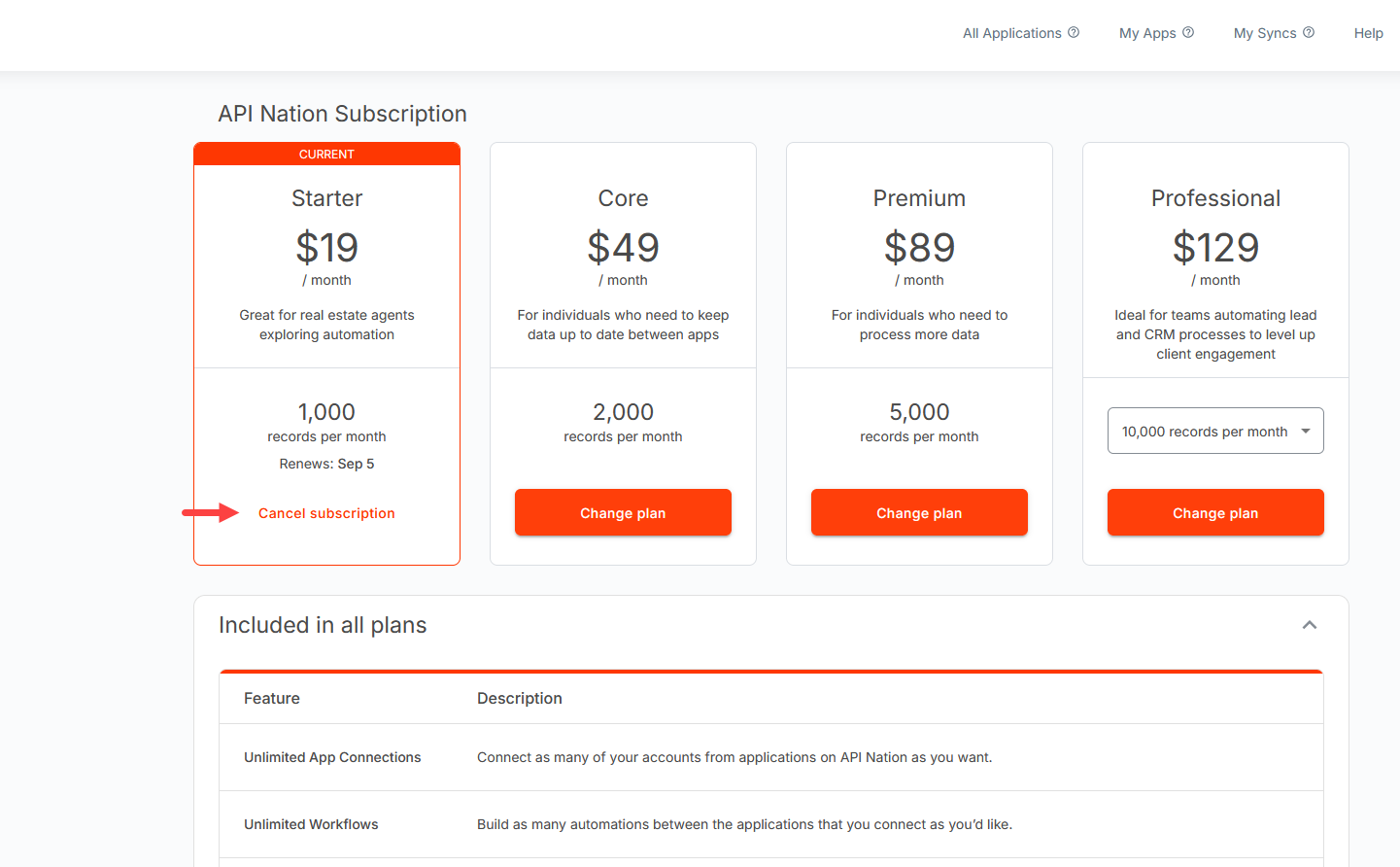
Initiate cancellation
Click on Cancel subscription.
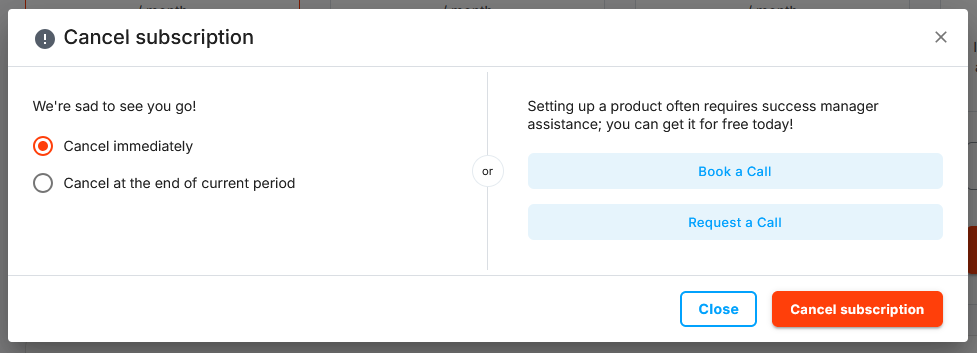
Select a cancellation type
Choose either Cancel Immediately or Cancel at the end of current period, then click Cancel subscription to confirm.
Complete the cancellation form
You will be prompted to fill out a cancellation form. We welcome all open and honest feedback as we are always looking to improve our product and service.
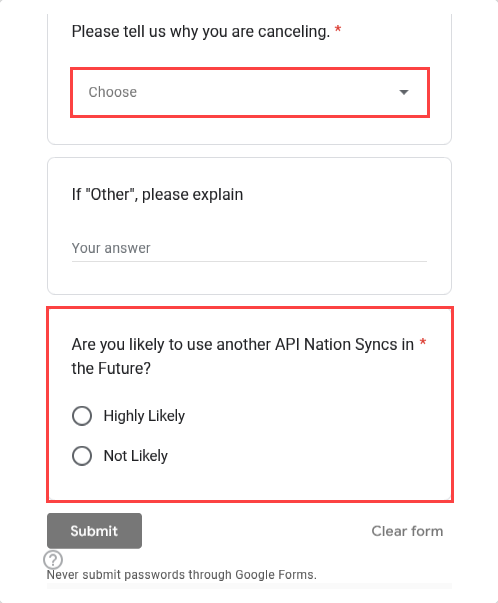
Submit the form
Once the form is completed, click Submit. You are now all set!
Still need help?

