


Reconnecting a disconnected app
If a connection to one of your apps becomes disconnected or stops working, API Nation provides a Reconnect button that restores the connection quickly — without needing to delete the existing connection and set it up from scratch. Using the Reconnect button preserves your existing workflow settings and mappings, saving you significant time and effort.
When you may need to reconnect
- Your authentication token or session has expired.
- You recently changed your password in a connected application.
- A connected app revoked API Nation's access.
- Your workflow is throwing connection or authorization errors.
Steps to reconnect
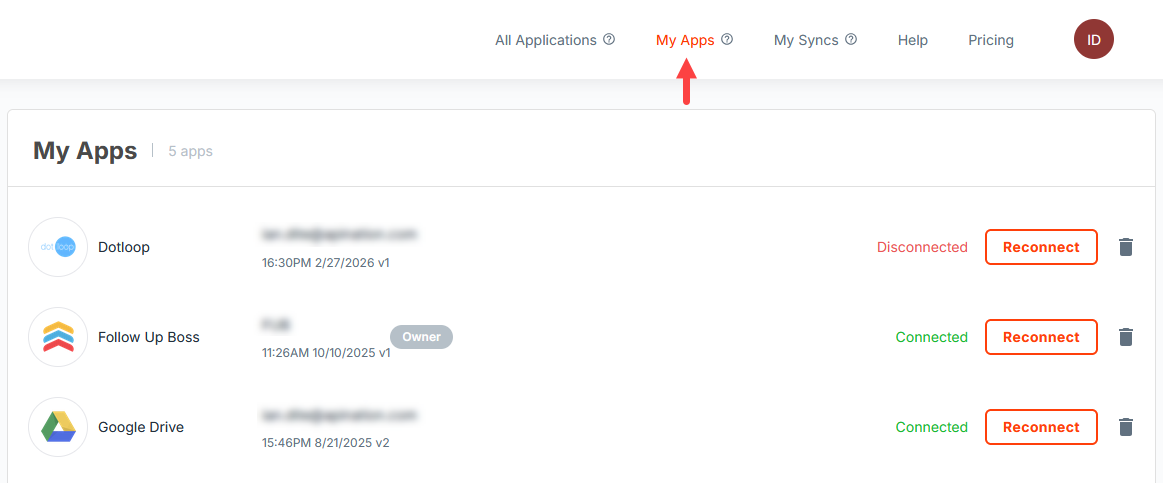
Go to My Apps
Navigate to the My Apps section in API Nation.
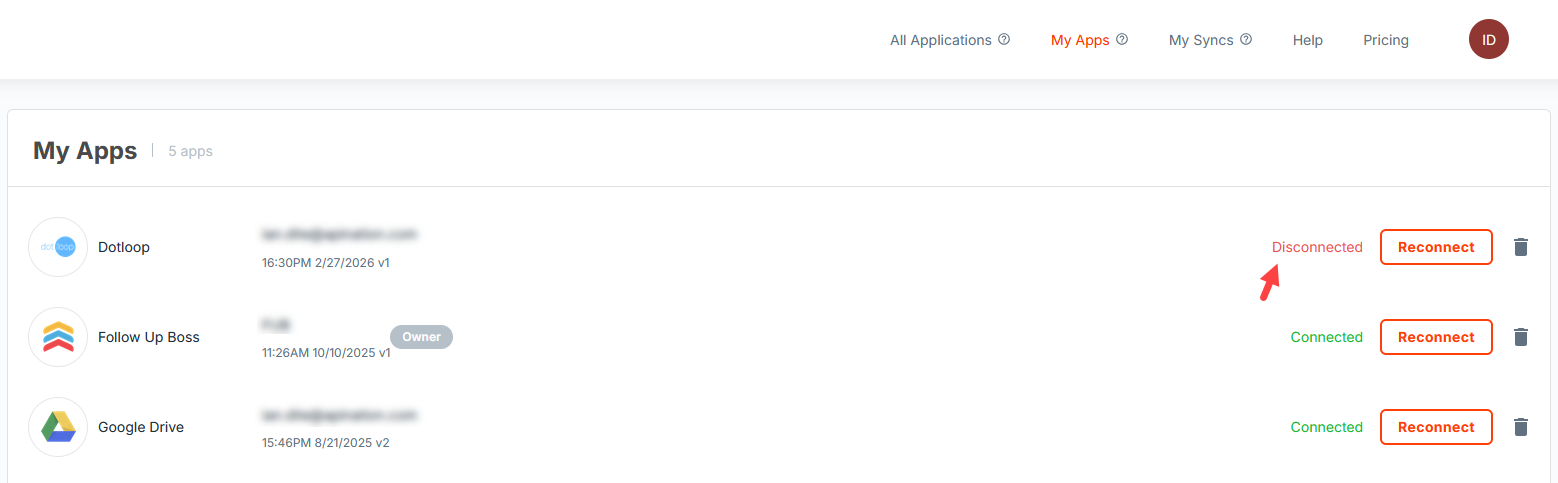
Locate the disconnected connection
Find the connection that needs to be restored.
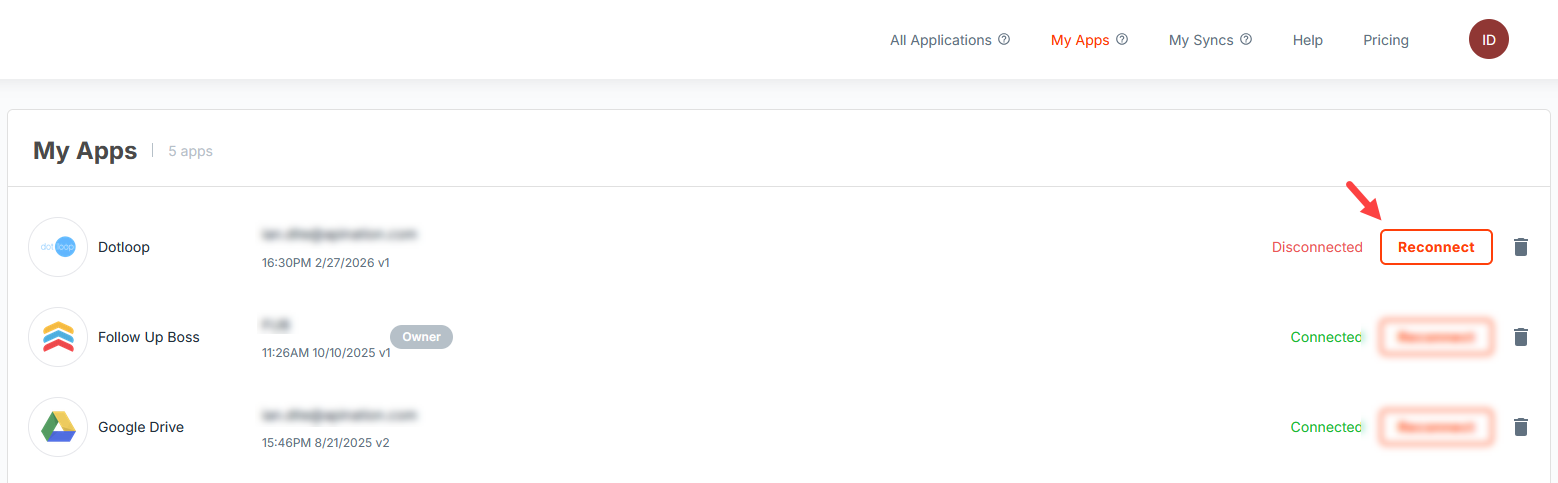
Click Reconnect
Click the Reconnect button next to that connection.
Log in and reauthorize
You will be prompted to log in to or reauthorize the connected application.
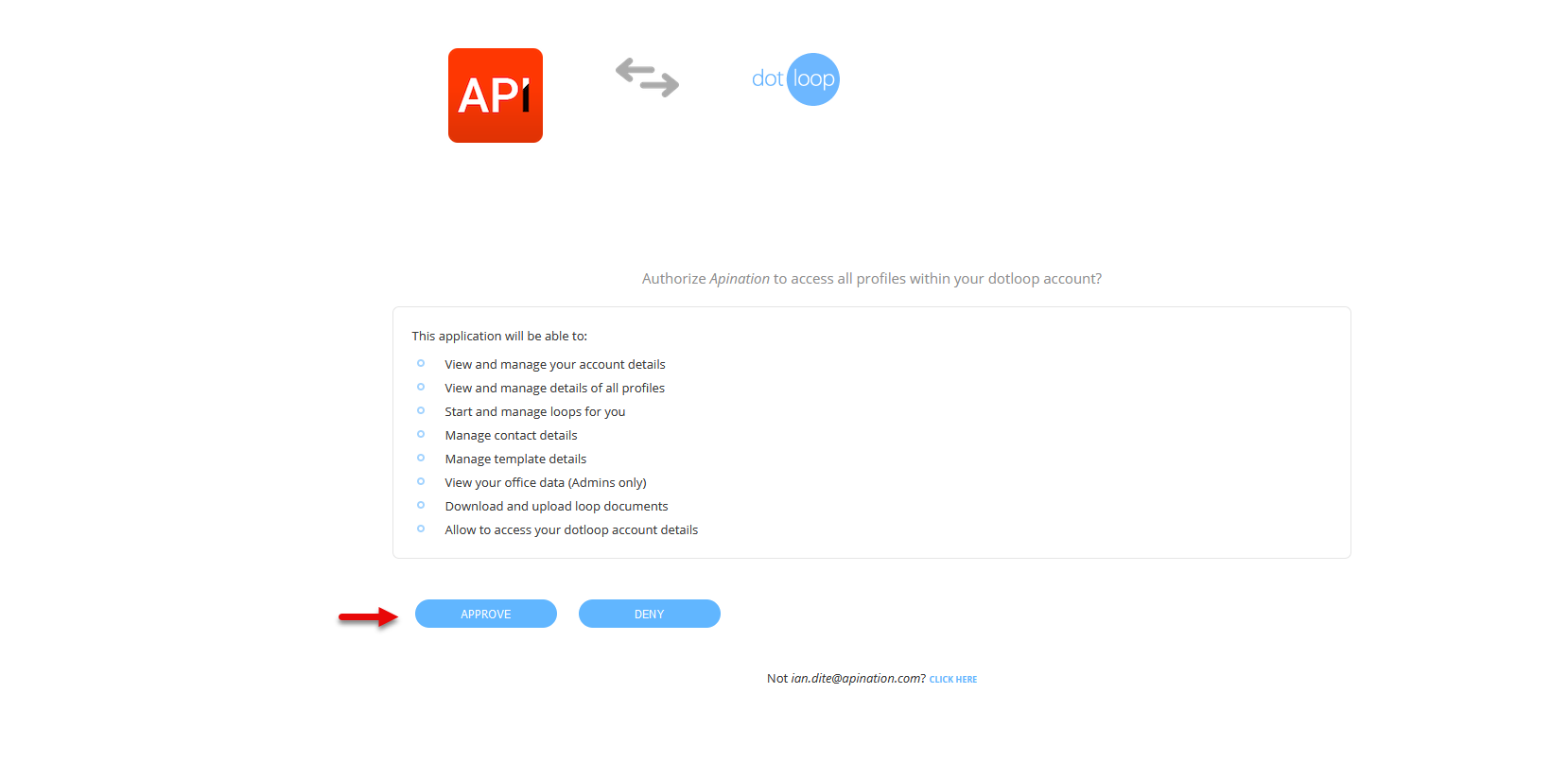
Return to API Nation
Complete the authorization and return to API Nation — your connection will be restored.
Do not remove the connection
It may be tempting to delete the connection and re-add it, but this is not recommended. Removing a connection can:
- Disrupt existing workflows that depend on that connection.
- Clear your field mappings and settings that have already been configured.
- Require you to fully rebuild the integration from the beginning.

